For residential cleaning owners adding a cleaner
Can your schedule survive a handoff?
A recurring client moves one visit. Your usual cleaner can't make the new time. Before buying another app, check what your replacement cleaner and customer will actually know.
Run this against your current setup
For each item, tick the box only if you can point to where the updated information lives and who can see it. A text you plan to remember to send later does not count.
Start with a real reschedule and verify each view. This is a workflow check, not a software recommendation.
What the result means
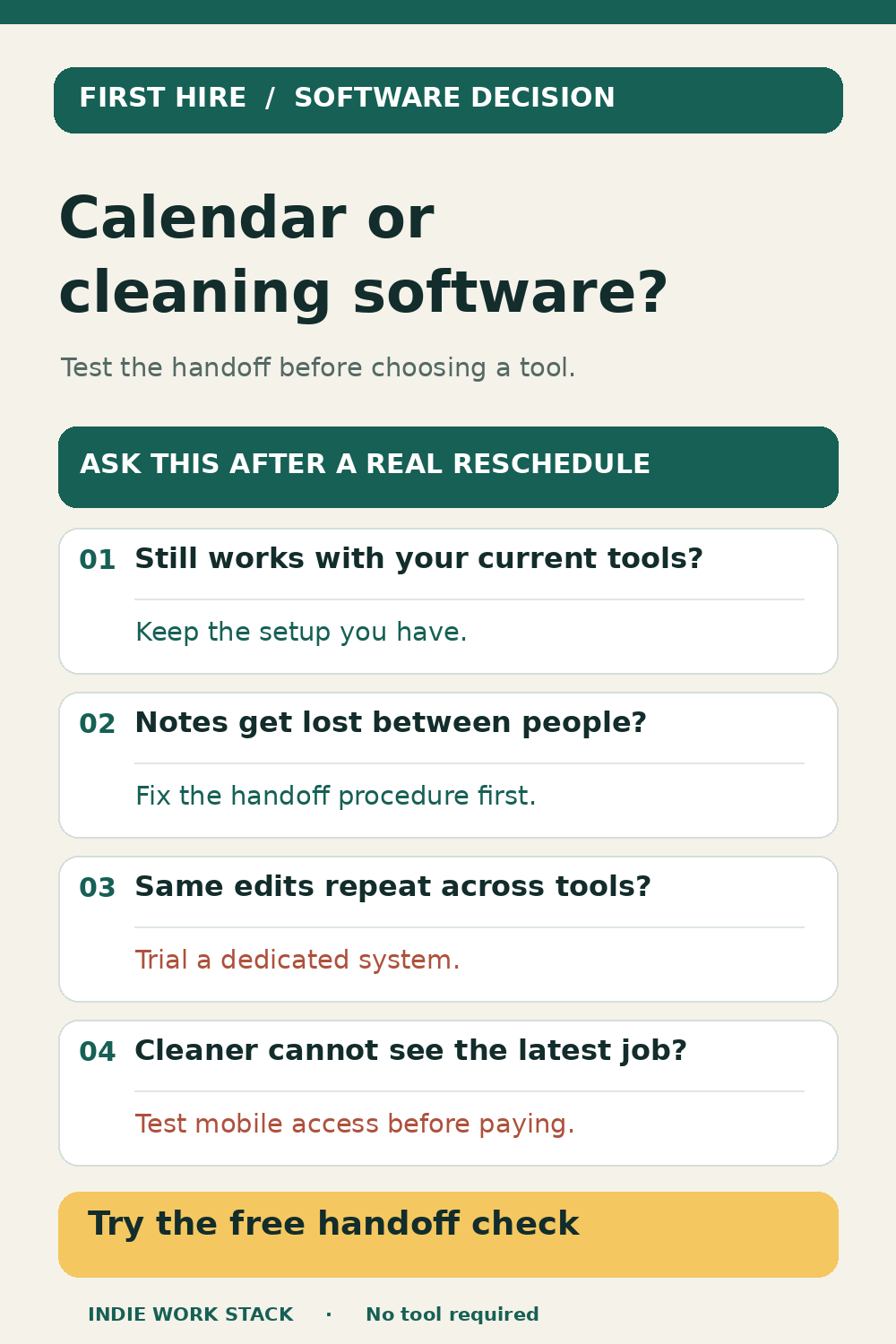
If the handoff works reliably with your calendar, notes, and invoicing setup, keeping that stack may be the right move. If a check fails because information is entered inconsistently, fix the procedure first. If the same changes repeatedly have to be copied across people and tools, a dedicated system may be worth trialing against this exact scenario. Client count alone does not settle the decision.
For owners with a first cleaner or small crew
What broke in your last handoff?
If you tried the five checks against an actual reschedule, we would like to hear which one failed and what you currently use. This helps us decide which decision guides to build next. There is no paid offer on this page.
Please share only your team size, whether the job is recurring, and the part of the handoff that broke. Do not send client names, addresses, access codes, or payment information.
Method: this checklist is a decision aid built from public owner problems and a fictional scenario. Indie Work Stack has not run the full scenario inside Jobber or ZenMaid. No vendor paid for this page. Your checkbox selections stay in this browser page; if you allow analytics, we record only that all five checks were confirmed. Read our editorial policy, privacy policy, and disclosure.